

My grandmother would have hated the phrase “digital legacy.” She would have said it sounded like a tax form with Wi-Fi. But she was a real firecracker.
She used to post garden photos, send birthday messages in all caps, and she once reported a fake delivery text before anyone else in the family had even opened it. When someone like that dies, their online life doesn’t neatly disappear.
Photos, email, cloud files, social media pages, and phone backups may stay exactly where they are, behind passwords no one else has.
In this answer
- Your accounts don’t automatically pass to your family
- Photos can be the hardest loss
- Apple has a Legacy Contact tool
- Google uses inactivity planning
- Social media may become a memorial
- Here is what usually changes after death
- What I would write down now
- What families should avoid
- FAQ
- Set this up before anyone needs it
Your accounts don’t automatically pass to your family
Online accounts are not handled like a photo album on a shelf. Most are controlled by the service’s own rules, privacy policies, security systems, and local law.
A family member may be able to ask for an account to be closed, memorialized, or reviewed, but that doesn’t mean they get the password or full access to everything inside.
That can surprise people. We tend to think of family photos, messages, and old emails as personal possessions. The companies that store them often treat account access as a security issue.
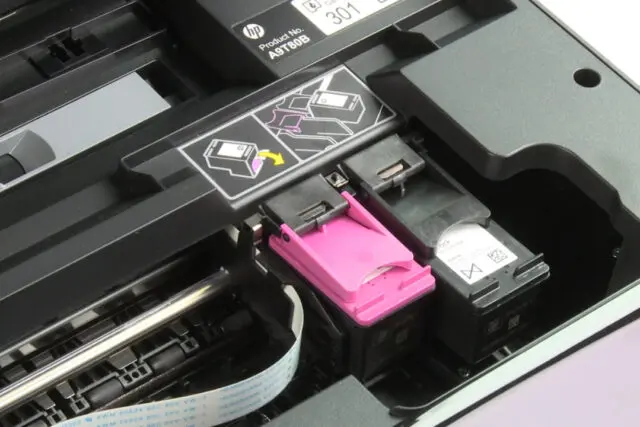
A similar ownership issue affects HP Instant Ink cartridges. HP retains ownership of subscription cartridges and can disable them after a customer cancels.
From their side, that makes sense. They don’t know every family situation, and they can’t assume that the person asking is allowed to see private messages, financial emails, or sensitive documents.
A related privacy issue is how much data your phone and apps can reveal to ad systems, even without direct access to your private messages.
Digital legacy means the accounts, photos, files, messages, profiles, and online records someone leaves behind after death.
Photos can be the hardest loss

The most painful thing to lose access to is usually the photos. A phone may hold years of birthdays, holidays, baby pictures, recipes, scanned documents, and ordinary little moments that no one thought to download.
Modern phones are built to protect that data. That protection is good while you are alive. It keeps thieves, scammers, and nosy strangers out. But it can also keep your family out later.
Apple says devices locked with a passcode are protected by encryption, and Apple can’t remove that passcode without erasing the device, according to its guidance on requesting access to a deceased family member’s Apple Account.
That is why cloud photo access should be planned before there is an emergency, not guessed at afterward.
If your family photos are stored on an older Windows 10 PC, check the Windows 10 security update deadline as well. Eligible computers can receive security patches through October 2027, giving you additional time to organize your files and create accessible backups.
Apple has a Legacy Contact tool
View this post on Instagram
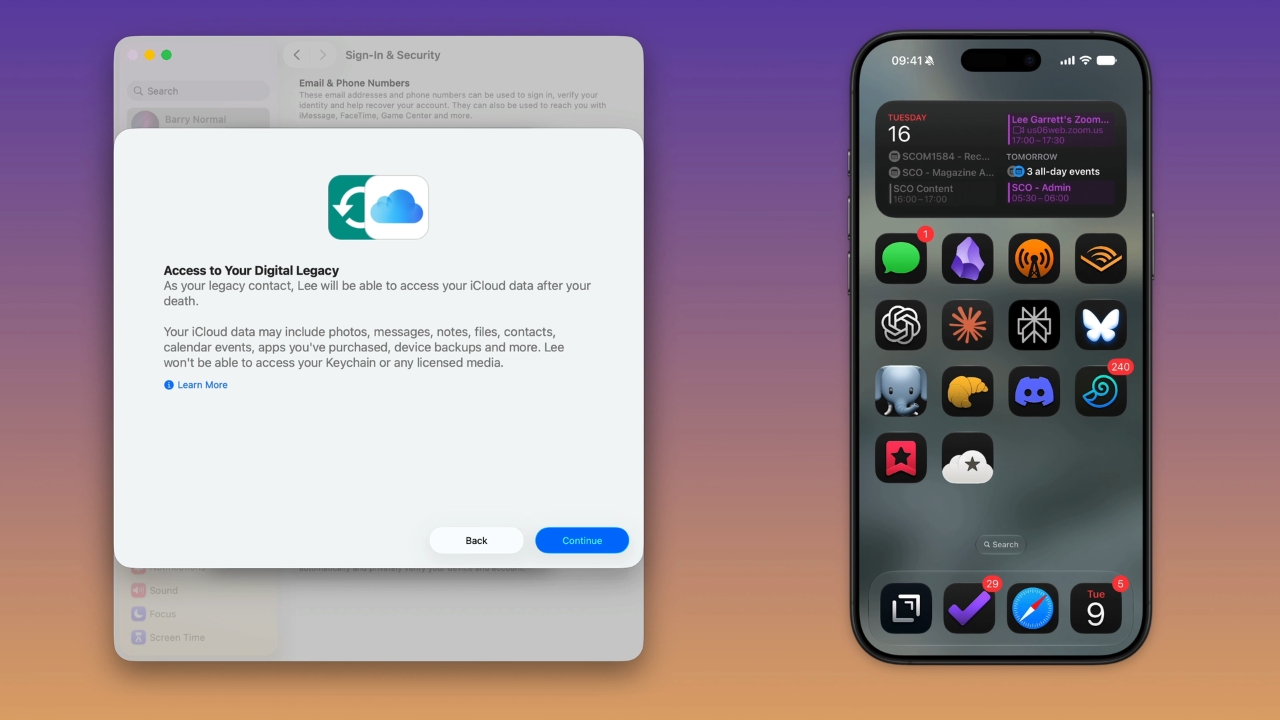
Apple now gives users a cleaner route through its Legacy Contact feature. If you set one up, that person can request access to certain data in your Apple Account after your death. Apple says this may include photos, messages, notes, files, apps you downloaded, and device backups.
There are limits. A Legacy Contact can’t access movies, music, books, subscriptions bought with your Apple Account, or iCloud Keychain data such as saved passwords, passkeys, and payment details. Apple also says the person will need an access key and a death certificate.
The feature requires iOS 15.2, iPadOS 15.2, or macOS Monterey 12.1 or later.
Google uses inactivity planning
Google’s main planning tool is Inactive Account Manager. It lets you choose what happens if your account is inactive for a period you set. You can name up to 10 people and choose which types of data they may receive. That could include Gmail, Drive files, YouTube data, or Photos, depending on what you select.
@techinherstep Replying to @Patrick What happens to your Google account, Gmail, photos, and files after you die and will your family actually be able to access them? Google has a little-known setting called Inactive Account Manager that lets you create a digital legacy plan for your Google account ahead of time. You can choose how long your account has to be inactive before the plan starts, select trusted contacts, decide which Google data they can receive, and choose whether your Google account should eventually be deleted. In this part of The Digital Life You Leave Behind, I’m setting up Google Inactive Account Manager as part of my own digital estate plan and showing you where to find it so you can do the same. If you use Gmail, Google Photos, Google Drive, YouTube, or other Google services, this is one digital estate planning setting worth checking now, before someone else has to figure out what you wanted later. Search terms: Google Inactive Account Manager, Google account after death, Gmail after death, digital estate planning, digital legacy, Google legacy contact, what happens to Google account when you die, access Gmail after death, Google Photos after death, manage online accounts after death. #digitalestate #digitalassets #estateplanning #googleaccount #gmailtips ♬ original sound – Jammie | Tech In Her Step 📱
Google says it looks at signals such as recent sign-ins, Android check-ins, Gmail use, and activity history before deciding an account is inactive. It also says it may delete inactive Google Accounts and their data after at least two years if no plan is in place.
Google can also review requests from family members, but it says it can’t provide passwords or login details.
Social media may become a memorial
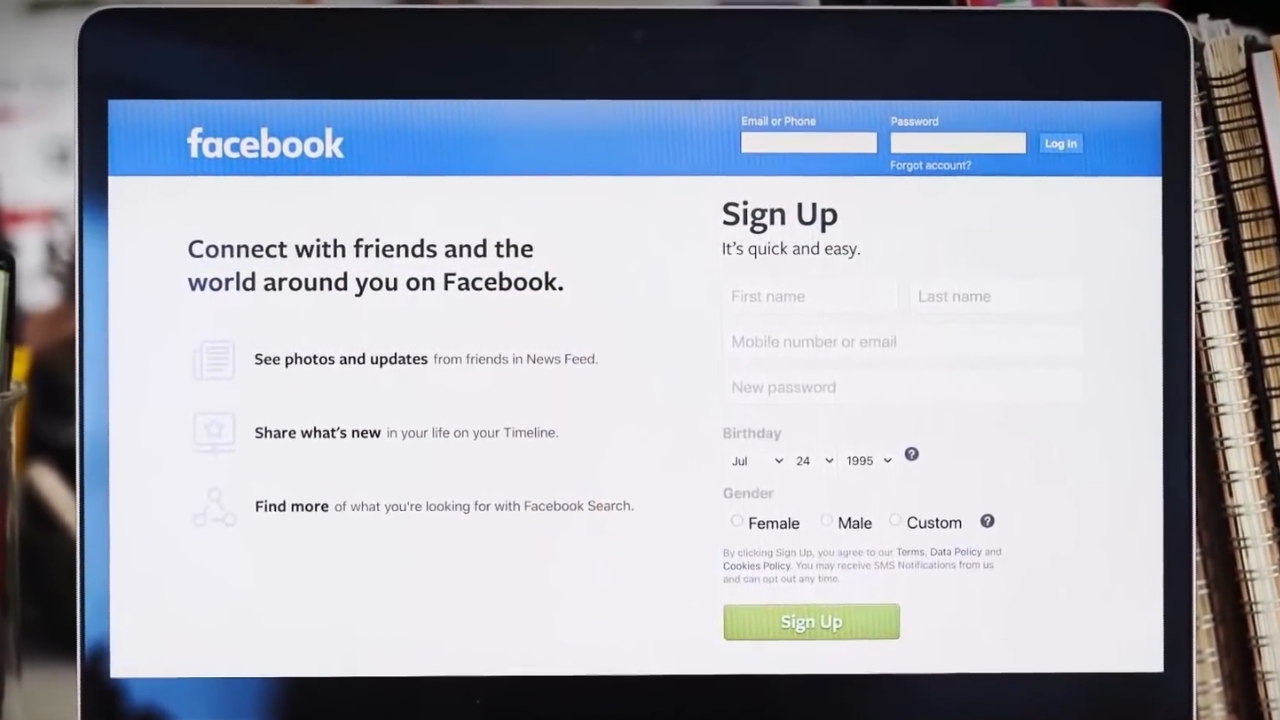
Social media accounts usually don’t become open family archives. Facebook can memorialize an account or remove it after a valid request, and a legacy contact may be able to manage parts of a memorialized profile. That doesn’t mean they can log in as the person or read everything privately stored inside the account.
Meta explains that families can use Facebook’s process for reporting a deceased person’s account. Instagram also has a memorialization process, and its help page says memorialized profiles are meant to help people remember someone after death.
The kinder way to look at this is that platforms are trying to protect both memory and privacy. Families may get a place to remember someone, but not a master key to their private life.
Here is what usually changes after death
The big change from the old days is that major companies now offer formal routes. The catch is that most of the best routes work only if you set them up while you are alive and able to choose who should handle things.
Account type
What may happen
What your family may need
Apple
Legacy Contact may access selected account data
Access key and death certificate
Google
Inactive Account Manager may share chosen data
Setup before inactivity or a reviewed family request
Facebook
Account may be memorialized or removed
Valid report and supporting information
Locked phone
Data may be inaccessible without the passcode
Device passcode or a backup plan
What I would write down now
I don’t recommend leaving a messy list of passwords in a desk drawer and hoping for the best. That can create new risks while you are alive. But I do recommend leaving clear instructions in a safe place, especially for photos, email, cloud storage, and password managers.
The goal is not to turn your family into detectives. Give them a map, not a scavenger hunt. When someone dies, families often move quickly because they are upset, tired, and trying to protect memories. That is completely human. Still, a few actions can make things worse. Don’t guess passwords until an account locks. Don’t wipe a phone before checking backups. Don’t close a Google account if you still hope to request its contents later, because Google says closing an account can prevent later content requests through its process for a deceased user’s account. Don’t ignore two-factor authentication either. If codes go only to a phone number that gets cancelled, access can become harder. Before touching anything, pause and list what might be stored where. Photos, email, files, bank statements, subscriptions, and domain names can all live in different places. You can leave instructions with estate documents, but wills may become public in some places. A safer option is often a password manager with emergency access, plus written instructions stored with trusted legal or family papers. Only give it to someone you deeply trust, and think about privacy while you are alive. Another option is to store the passcode in a sealed document with estate papers and update it when needed. Shared albums can help, but they are not a full backup plan. The original account owner may still control the main library, originals, edits, and hidden photos. Download important family photos separately. A USB flash drive can hold another copy of your family photos, but always finish the file transfer before you unplug it. Windows also has specific rules for when you need to eject a USB drive. Sometimes they can request removal, but they may not be able to edit or delete everything. Platform rules vary. If you care strongly about old posts, handle them while you still control the account. Crypto can be lost forever if no one has the recovery phrase or private key. Don’t put that information in plain view, but do create secure instructions with trusted estate planning documents. Digital legacy planning sounds heavy, but it can be a 20-minute job if you start small. Set an Apple Legacy Contact if you use iCloud. Set Google’s Inactive Account Manager if you use Gmail or Google Photos. Tell one trusted person where your instructions are kept. My grandmother would have rolled her eyes at the paperwork, then done it properly and probably labeled the folder in red pen. Still, this is your best option so that people you love can remember you.
What families should avoid

FAQ
Can I leave passwords in my will?
Should I give someone my phone passcode now?
What about shared family photo albums?
Can my family delete embarrassing old posts?
What if I own crypto or online-only money?
Set this up before anyone needs it