
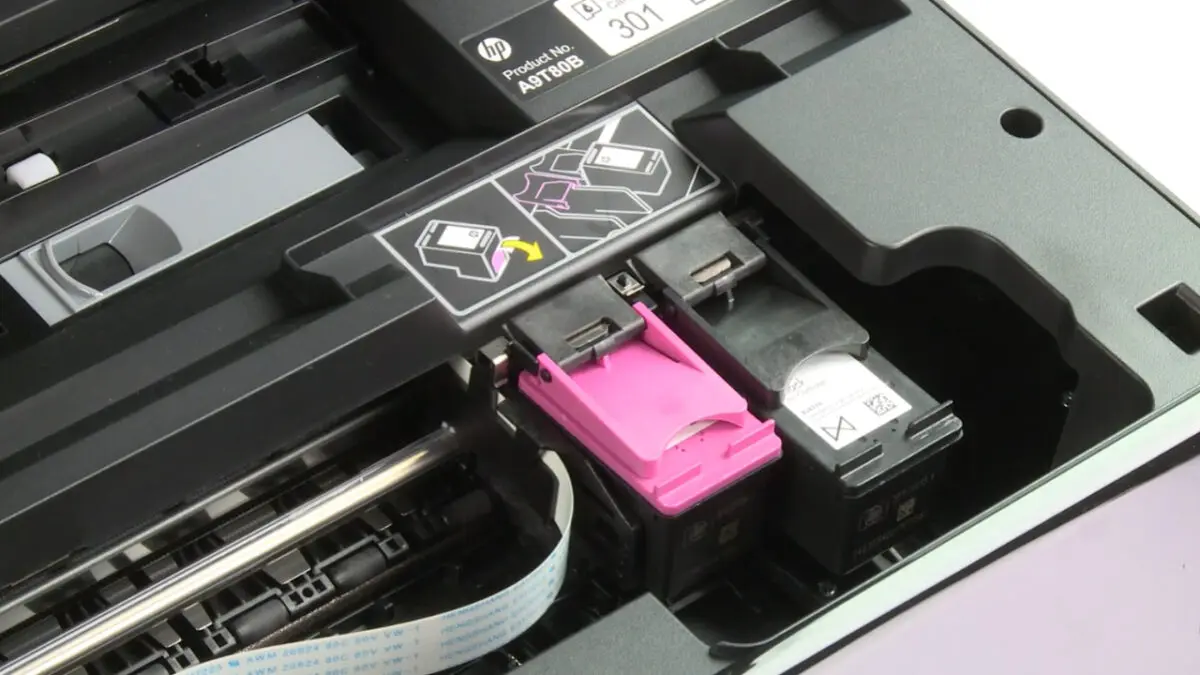
If you cancel HP Instant Ink, the cartridges HP mailed you stop printing once your current billing period ends, even when they still hold plenty of ink. The printer itself is fine.
HP turns off the subscription cartridges remotely because, under the program rules, they never belonged to you.
The policy is not new, but it keeps catching people off guard. In August 2026, a screenshot of the HP cartridge message drew thousands of comments online.
Below, we explain how the cutoff works, which plans and printers it covers, what a federal lawsuit tried to change, and how to cancel without ending up with a printer that cannot print.
In this answer
Why HP Can Switch Off a Cartridge That Still Has Ink
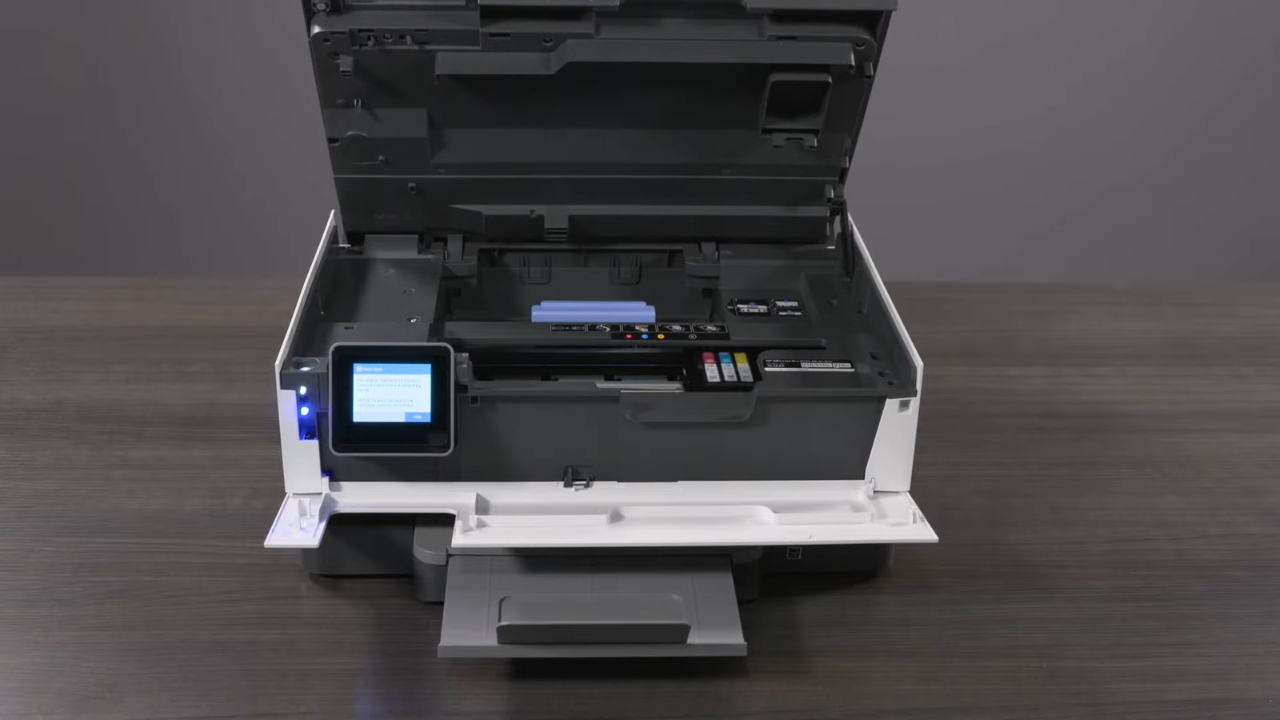
Instant Ink is a page subscription, not an ink purchase. You pay a monthly fee for a set number of printed pages, and a page of plain text costs the same as a full-color photo, according to the HP explainer on how Instant Ink works. The ink is how HP delivers those pages.
The HP Instant Ink terms of service, last updated April 15, 2025, say HP keeps ownership of every subscription cartridge. Section 9.a adds that once a cancellation takes effect, “HP will remotely disable the subscription cartridge.”
The program also requires a printer that stays connected to the internet, which lets HP track ink levels and act on a cartridge remotely.
A subscription cartridge is an HP cartridge shipped under Instant Ink and tied to an active account. It looks like a regular HP cartridge but prints only while the subscription is active.
When the Cartridges Actually Stop
Canceling does not cut you off on the spot. Cancellations and downgrades take effect after the last day of your current billing period, so the timeline looks like this.
| Stage | What happens |
| The day you cancel online | Nothing changes yet. The plan stays active, and you can keep printing within your page allowance. |
| Rest of the billing period | Printing continues as usual. Charges for that period, including extra pages, still apply. |
| Last day of the billing period | The cancellation takes effect under Section 9.a of the terms. |
| After the period ends | Subscription cartridges are disabled. The printer needs regular cartridges to print. |
Here is the part most guides skip. A cancellation placed on the second day of a billing period and one placed on the last day end on the same date. Canceling early gains you nothing, but missing the end date costs you another full month.
Which Plans and Printers Are Covered
View this post on Instagram
Every Instant Ink plan ends the same way, but the money and your next cartridge options differ. Here is what the HP U.S. Instant Ink plans page listed on October 30, 2026.
- Monthly plans run from 10 pages for $1.99 to 700 pages for $32.99 a month.
- Yearly plans are prepaid, renew automatically, and refund part of the fee only if you cancel within 30 days of signing up.
- Pay As You Print sells page sets, 20 pages for $5.49 or 75 for $19.99, and unused pages above the rollover limit expire when you cancel.
- HP+ printers accept only Original HP standard or XL cartridges after you leave, while other HP printers can also take compatible third-party cartridges.
The HP explainer linked above still lists older plans starting at $1.49 for 15 pages, so trust the plans page and your account over any article, including ours.
Downgrading Can Cost Less Than Canceling
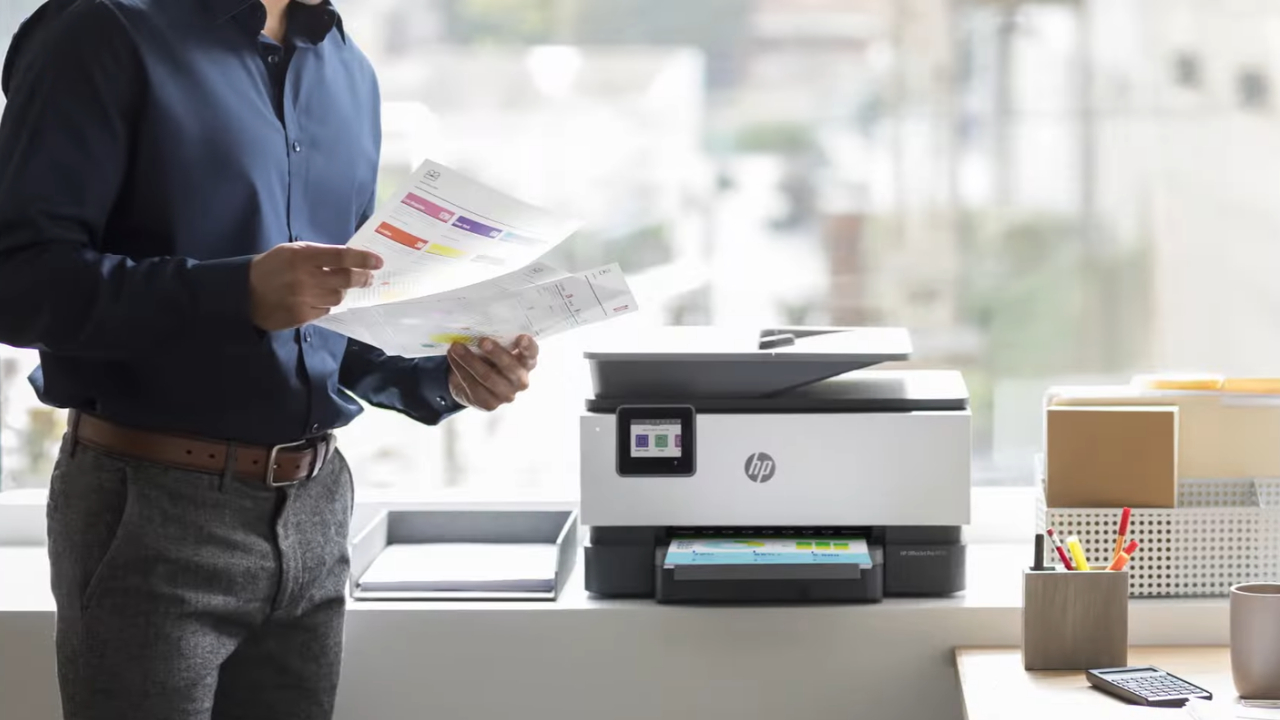
If cost is the real problem, the cheapest way to keep a nearly full subscription cartridge working is to drop to the smallest plan instead of quitting. We ran the numbers from the current U.S. prices.
- Monthly 10 costs $1.99, or about 19.9 cents per included page, and keeps your subscription cartridges active.
- Twelve months of Monthly 10 add up to $23.88. Yearly 120 covers the same 120 pages for $20.99, which is $2.89 less, but the partial refund window closes after 30 days.
- Monthly 700 works out to about 4.7 cents per page, which is why heavy printers rarely save money by leaving.
Our view is that Monthly 10 works well as a bridge while you shop for regular cartridges. It makes little sense long term if you print more than 10 pages a month, because extra pages add charges the plan’s page does not spell out.
What the Lawsuit Tried to Change, and Where It Stands
In November 2024, attorney Donald Hall filed a proposed class action against HP in federal court.
According to reporting by The Recycler, Hall said his printer refused the cartridges after he canceled and pushed him to re-enroll, which required a 30-day subscription. He argued HP never clearly disclosed the shutoff.
The case has not gone his way. According to trade coverage and the federal court docket for Hall v. HP, the Central District of California dismissed his claims in April 2025 with permission to amend, then dismissed them with prejudice in June 2025.
Hall appealed to the Ninth Circuit, and we found no published appeals ruling as of October 30, 2026.
Did you know? August 2026 headlines about an Instant Ink “shutdown” did not mean the service is ending. The Yahoo Tech story on disabled cartridges was built on one Reddit screenshot and carried no new HP statement.
What to Do Before You Cancel
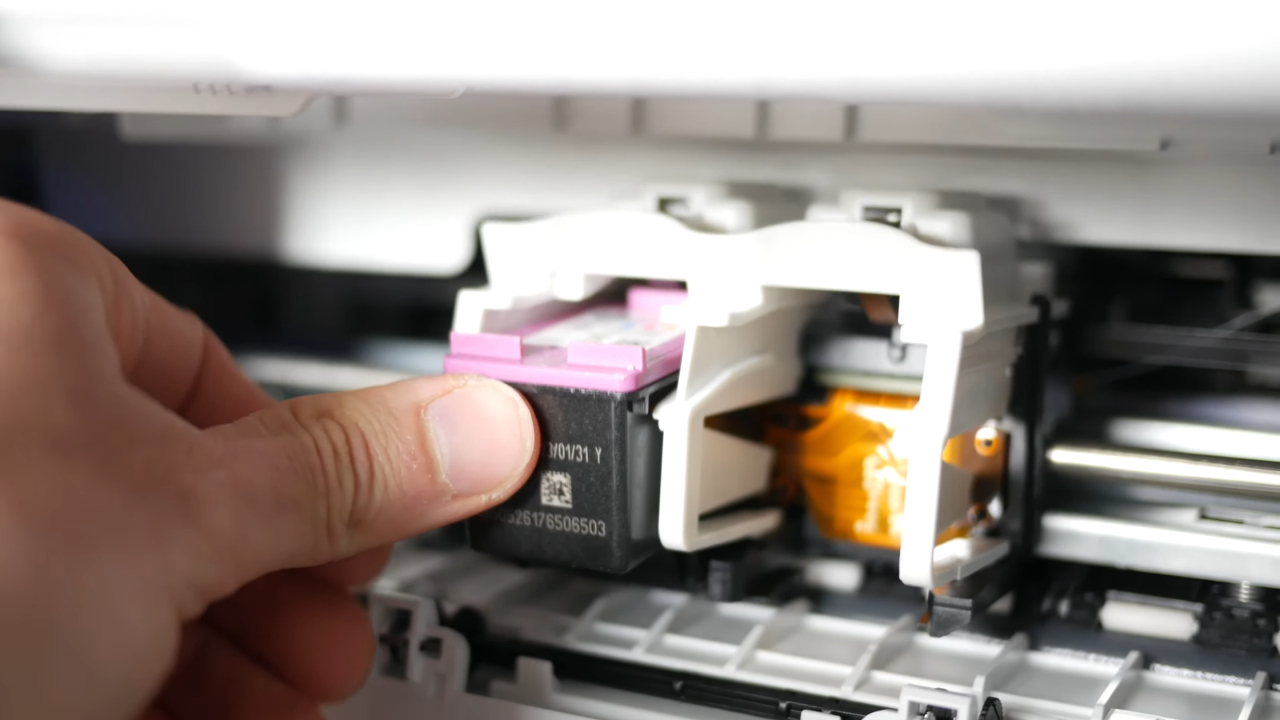
Start with the boring stuff. A little planning avoids any days without a working printer.
One warning first. Forum posts trade tips about keeping a printer offline to stretch the last cartridge. We would not rely on that, since the terms give HP the right to disable the cartridge anyway.
- Find the end date of your current billing period in your Instant Ink account. That date is your last printing day with the current cartridges.
- Look up the cartridge number your printer uses and buy Original HP cartridges, or compatible ones if the printer is not HP+. Have them ready before the cutoff.
- Print what you need before the end date, within your allowance.
- Cancel online. Unplugging the printer or turning off Wi-Fi does not cancel anything, and charges continue.
- After the cutoff, install the new cartridges and print a test page. A clean page means the switch worked.
Frequently Asked Questions
1. Will My All-in-One Printer Still Scan After I Cancel?
Yes. Scanning does not use ink, so the scanner keeps working after the cartridges are disabled. Copying is printing, though, so copies stop until regular cartridges go in.
2. Can I Re-Enroll Later and Use the Old Cartridges Again?
HP lets you sign up again, and the message after cancellation usually points you toward re-enrollment. Do not count on old rollover pages or past promotions coming back. Hall also alleged that some cartridges stayed disabled even after he re-enrolled.
3. Can I Sell or Give Away Leftover Instant Ink Cartridges?
We would not. Under the terms, HP owns subscription cartridges, and they print only with an active subscription. Anyone you hand them to may end up with a cartridge that never prints.
4. Do I Have to Send the Cartridges Back to HP?
The current terms describe returning them as an option, not a requirement. HP supplies prepaid recycling envelopes, which keep empty cartridges out of the trash at no cost to you.
5. What Happens to My Rollover Pages When I Cancel?
HP does not refund them. Rollover pages cover printing above your monthly allowance, so the final billing period is your last chance to use them before the cutoff.
Our Take Before You Hit Cancel
@big.news.clips.1 Ever wonder why your tech feels more like a lease than a purchase? Turns out, HP’s Instant Ink subscription model has a rather nasty surprise waiting for users. When that trial ends or a subscription is canceled, the company can remotely kill cartridges that still contain perfectly good ink, rendering your printer useless until you pay up. It’s a frustrating reality check on how subscription-based services are quietly changing what it actually means to own your hardware. John Oliver breaks down exactly how companies are locking consumers into these models and why it’s a trend worth watching. #Primary Tag: #HP #Secondary Tag: #InstantInk #TechNews #SubscriptionService #ConsumerRights #PrinterProblems #LastWeekTonight ♬ original sound – Big.News.Clips.
We think Instant Ink can be a fair deal for a household that prints a steady number of pages each month, and a poor one for anyone who expects to keep the ink HP mailed. The cartridges were never yours, and the terms say so plainly.
Before you cancel, open your account, write down the last day of the billing period, and have regular cartridges sitting next to the printer by then. If your subscription cartridges are nearly full and money is the main issue, try Monthly 10 for a few months first.
A cartridge that is half full and fully useless is the one outcome worth avoiding.