I used to hear the same warning from almost everyone: don’t charge your phone overnight or you’ll ruin the battery. And this notion lasted at least a decade and a half.
Charging overnight is usually safe on a modern phone, but it still isn’t the best habit for every battery. Your phone isn’t sitting there helplessly overcharging until morning.
It has charging controls now. The part that changed a few years ago is software. iPhones, Pixels, and many Samsung Galaxy phones can slow down, pause, or limit charging so the battery spends less time full.
The part that didn’t change is chemistry. Heat and long hours near 100% can still age a battery faster. Let’s discuss this ad nauseam. Just kidding, I’ll be concise.
The old warning was about overcharging
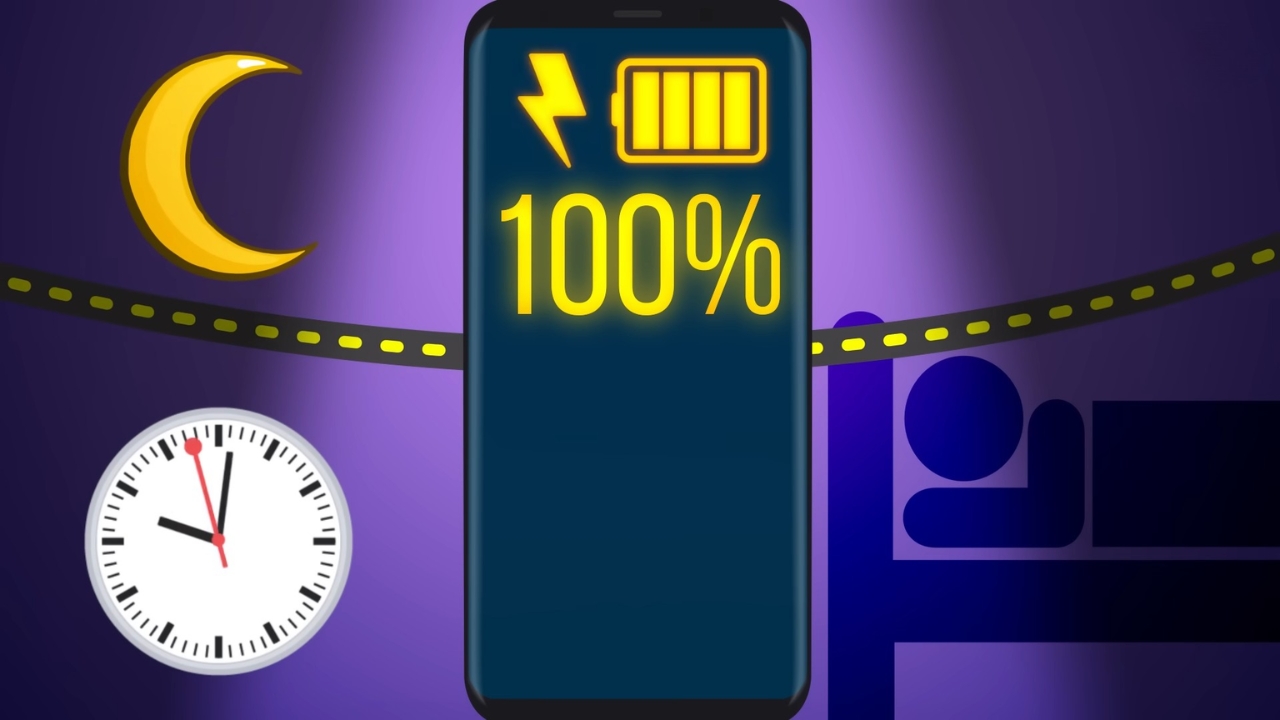
The old fear made sense when people thought of a phone charger like a tap left running. If power kept flowing after the battery reached 100%, the battery would overcharge, swell, or fail early.
Modern phones don’t work that simply. Apple says an iPhone automatically stops charging when the battery is full, and charging resumes only if the battery drops below 95%, according to its guidance on how to charge and maintain an iPhone battery.
Samsung gives the same basic answer for Galaxy phones. Modern phones stop charging at full capacity and use small maintenance charges later.
So no, a healthy modern phone on a proper charger shouldn’t keep stuffing power into the battery all night.
What changed a few years ago
The answer changed because phone software started treating overnight charging as a normal routine instead of a user mistake.
Apple previewed iOS 13 in June 2019, and its current support guidance says Optimized Battery Charging reduces the time an iPhone spends fully charged.
IF YOUR IPHONE STOPS CHARGING AT 80%, THIS UPDATE IS FOR YOU.
Your iPhone is not faulty. It is actually working exactly as Apple designed it to.
Apple introduced a feature called Optimised Battery Charging starting from iOS 13. This feature uses machine learning to understand your daily charging patterns and slow down battery aging. Based on your habits, your iPhone delays charging past 80% when it believes the phone will be left on the charger for a long time.
NOW HERE IS HOW TO HANDLE IT:
1. Quick fix without turning anything off: When your iPhone is charging and you see the lock screen notification that says “Optimised Battery Charging”, just press and hold that notification and tap “Charge Now.” It will charge straight to 100% immediately.
2. If you want to turn the feature off completely:
– For iPhone 14 and older: Go to Settings, then Battery, then Battery Health and Charging, and toggle off Optimised Battery Charging.
– For iPhone 15 and newer: Go to Settings, then Battery, then Charging and slide the charge limit up to 100%. You can also tap “Charge to 100%” or “Allow Until Tomorrow” for a one time boost.
One more thing to know: If your iPhone feels warm while charging, it will also stop at 80% to protect the battery from heat damage. Once it cools down, charging resumes automatically. So if you are charging under a pillow or in a hot room, that could also be your problem.
Now you know. Share this with every iPhone user around you.
Above all, love God.
— Glorious God (@GloriousGod01) May 26, 2026
Pixel phones now do something similar. Google says Pixel’s Adaptive Charging can learn charging habits, then finish charging to 100% near the time you usually unplug, based on its page about getting the most life from a Pixel battery.
Samsung’s newer Battery protection settings can also stop at 80% during sleep and charge to 100% before wake-up. The phone is no longer blindly racing to full at midnight and staying there for seven hours.
Overnight charging still has one real downside
The downside used to be overcharging, but now, in the modern age, it is battery aging.
Lithium-ion batteries are consumable parts, which means they lose capacity as they chemically age. Apple explains that chemical age is affected by several things, including temperature history and charging pattern, on its page on iPhone battery and performance.
View this post on Instagram
A phone that sits hot and full every night may age faster than a phone that spends less time at 100%. That doesn’t mean one overnight charge is a disaster.
I wouldn’t panic because you forgot to unplug your phone. I would pay attention if you keep the same phone for four or five years and charge it on a warm bedside table every single night.
Who should care most?
The people most affected are the ones who keep phones for a long time, use wireless charging every night, or already see weaker battery life by late afternoon.
Someone who replaces a phone every two years may never notice the difference. Someone trying to keep an iPhone or Android phone for five years probably will.
Battery health habits count more when the battery is already older, because it has less extra capacity to hide wear.
Heavy users should care too. If you charge overnight, stream video in bed, leave the phone under a pillow, and wake up to a warm device, the issue isn’t the clock. The issue is heat plus full charge plus a battery that never gets a break.
Charging habit
What it usually means
Battery impact
Overnight charging with optimized charging on
The phone may pause or slow charging before 100%
Usually fine for most people
Overnight charging to 100% every night
The battery may spend hours full
Can add long-term wear
Charging under a pillow or blanket
Heat can build up around the phone and charger
Bad habit and possible safety risk
Using an 80% charge limit
The phone stops below full charge
Best for battery longevity if 80% is enough
The table is the way I explain it to family members who ask me this in the kitchen while their phone is at 3%.
Overnight charging isn’t automatically wrong. The setup changes the answer.
A cool phone on a proper charger with battery optimization turned on is very different from a hot phone trapped under bedding on a damaged cable.
Check the battery setting before changing your routine
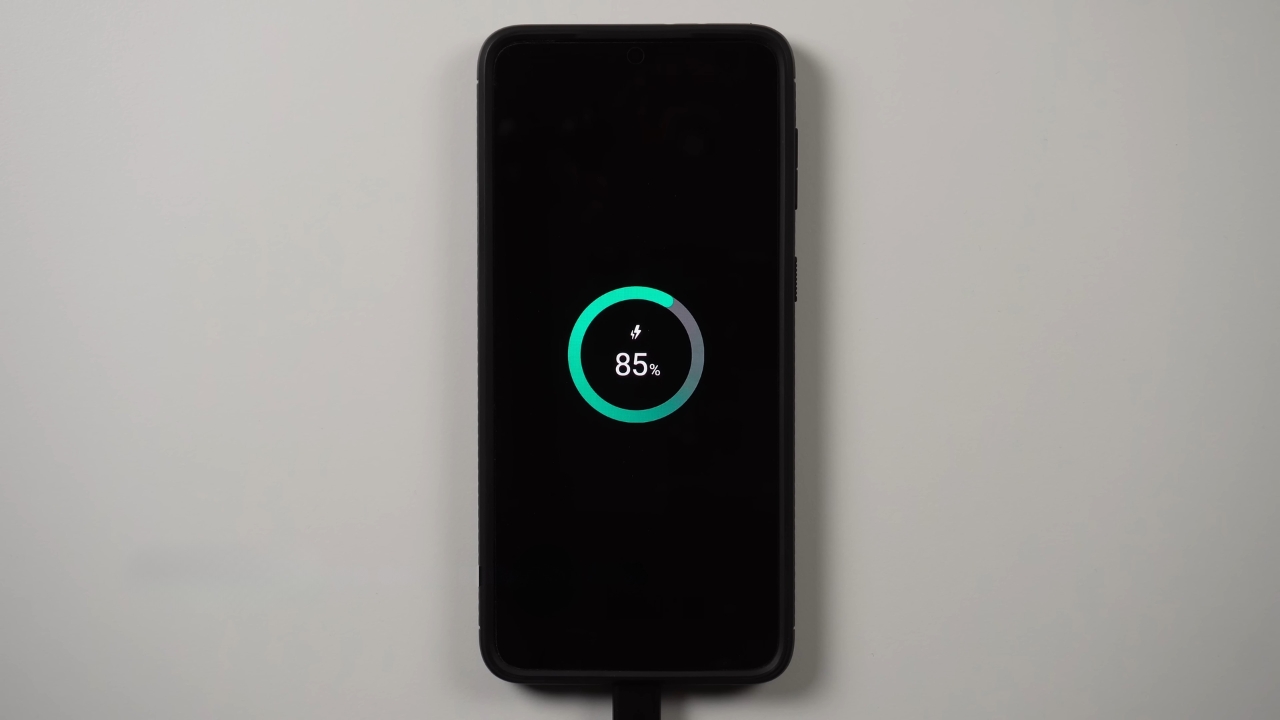
I’d check the setting before changing the whole way you charge. On iPhone, look under Settings, Battery, Battery Health and Charging.
Many models have Optimized Battery Charging, and newer models may also offer a charge limit.
On Pixel, look under Settings, Battery, Battery health, then Charging optimization. Google says Pixel 6a and later can limit charging to 80%.
On Galaxy phones, Samsung says Battery protection can use Basic, Maximum, or Sleep time protection modes in its Galaxy Battery protection guide.
Maximum mode can stop at a selected limit, while Sleep time protection holds around 80% during sleep and finishes before wake-up. Menu names can vary by model and software version.
If you are already checking your phone settings, you may also want to review microphone access if you have ever wondered if your phone listens for ads.
Apple says to keep the iPhone, its cable, power adapter, and wireless charger in a well-ventilated area. Apple also warns against sleeping on a device, power adapter, or wireless charger while connected to power, in its important iPhone safety information. That advice applies beyond iPhones. Don’t charge under a pillow. Don’t bury the phone under a blanket. Don’t use a frayed cable. Don’t leave a charging phone in direct sun. Battery life advice can sound fussy, but keeping a charging phone cool is the least fussy habit of all. Turn on optimized charging or a charge limit, keep the phone on a hard, open surface, and avoid hot spots. I wouldn’t wake up at 2 a.m. to unplug a phone at 100%. Sleep is worth more than that tiny battery-health gain. I also wouldn’t ignore the settings anymore. The best middle ground is a phone that reaches full only near morning, or stops around 80% if you don’t need a full charge. That’s the modern answer. Overnight charging is no longer the villain, but lazy hot charging still isn’t your battery’s friend. Check the battery health page if your phone offers one. On older phones, a battery replacement can make more sense than buying a new device, especially if the screen, camera, storage, and software support still meet your needs. The updated answer is less scary and more useful. I don’t tell people that overnight charging is ruining their phone in secret. I tell them to stop treating all overnight charging as the same thing. A modern phone with optimized charging, a good cable, and airflow is usually fine. A hot phone held at full charge every night will age faster. Turn on the battery setting, keep the charger out from under bedding, and stop worrying about the myth that one night plugged in will destroy the battery.
Heat is the bigger issue than the hour
Heat is the part we should all take seriously. A phone warms up while charging, and fast charging or wireless charging can add more warmth.My overnight rule
Frequently asked questions
What you should remember