
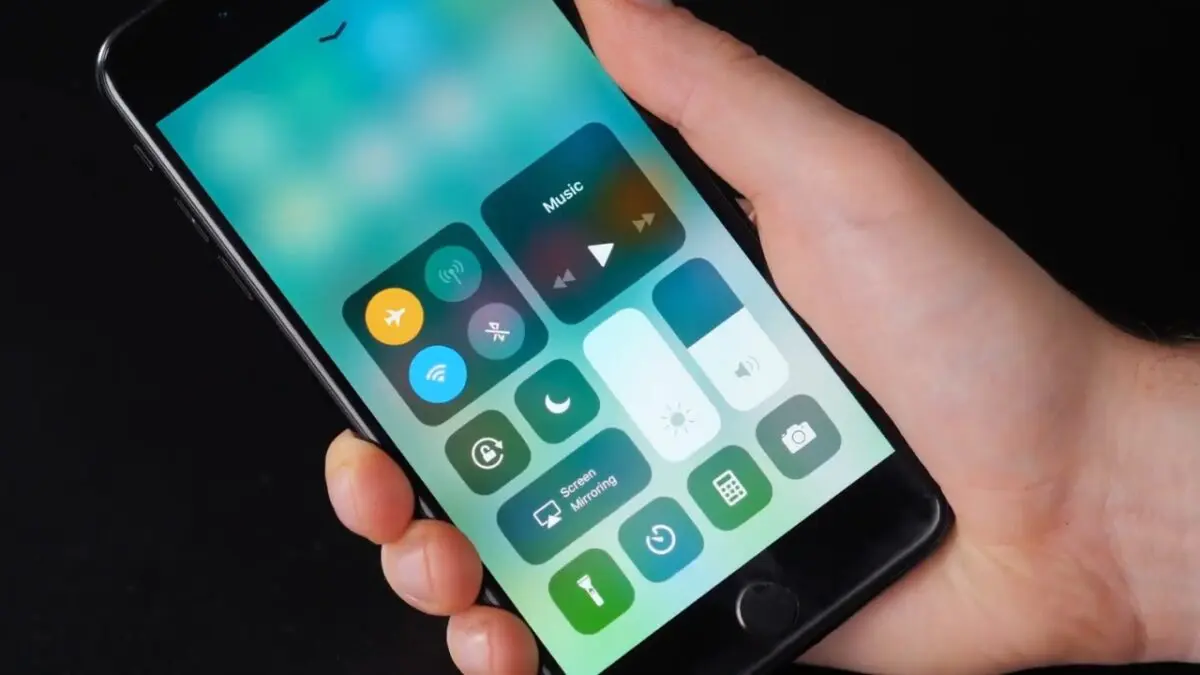
I have a bad habit on flights. The second we reach cruising altitude, I start poking around my phone just to see what still works. Airplane Mode is on, yet my earbuds are playing, Bluetooth is alive, and a few taps can put me back on Wi-Fi.
That little experiment is a good reminder of how misleading the airplane icon can feel. We tend to read it as “offline,” and from there it is easy to assume “private.” Those are very different things.
Airplane Mode was created to control wireless transmissions during flights. It was never meant to hide your location, lock down your data, or turn your phone into an isolated device.
In this answer
- Airplane Mode was made for radio rules on flights
- The airplane icon is not a master privacy switch
- Your location settings do not disappear with the signal bars
- Your apps and stored data do not freeze in place
- Bluetooth is the detail people miss most often
- What I change when I actually want less data sharing
- Airplane Mode is still useful when you use it for the right job
- Frequently asked questions
Airplane Mode was made for radio rules on flights
The airplane icon exists because phones contain transmitters, and aviation rules care about what those transmitters are doing in the air.
The FAA currently tells passengers to use phones and portable electronics in Airplane Mode or with cellular service disabled. Wi-Fi is allowed when the aircraft has an installed system and the airline permits it.
The FCC rule is still separate today. 47 CFR 22.925 still prohibits airborne operation of cellular telephones. The concern behind that rule is interference with terrestrial cellular systems, while FAA rules also address possible interference with aircraft systems.
On October 31, 2013, the FAA announced that airlines could expand use of personal electronics during all phases of flight, but cellular service still had to stay off while airborne.
The airplane icon is not a master privacy switch
Here is the part that makes the privacy claim fall apart for me. Airplane Mode does not mean the same thing as “all wireless hardware is dead,” and modern phones make that especially obvious.
| Connection | Current iPhone behavior | Current Pixel behavior |
| Cellular | Turned off | Turned off |
| Wi-Fi | Turned off, but you can turn it back on | Usually turned off at first, but the phone can remember your choice |
| Bluetooth | Stays on by default | Can be turned back on and remembered |
Apple says current iPhones leave Bluetooth on when Airplane Mode is enabled.
Google says Pixel phones can remember when you choose to keep Wi-Fi or Bluetooth available. Other Android brands can behave differently, so the airplane icon alone tells you less than people assume.
Your location settings do not disappear with the signal bars
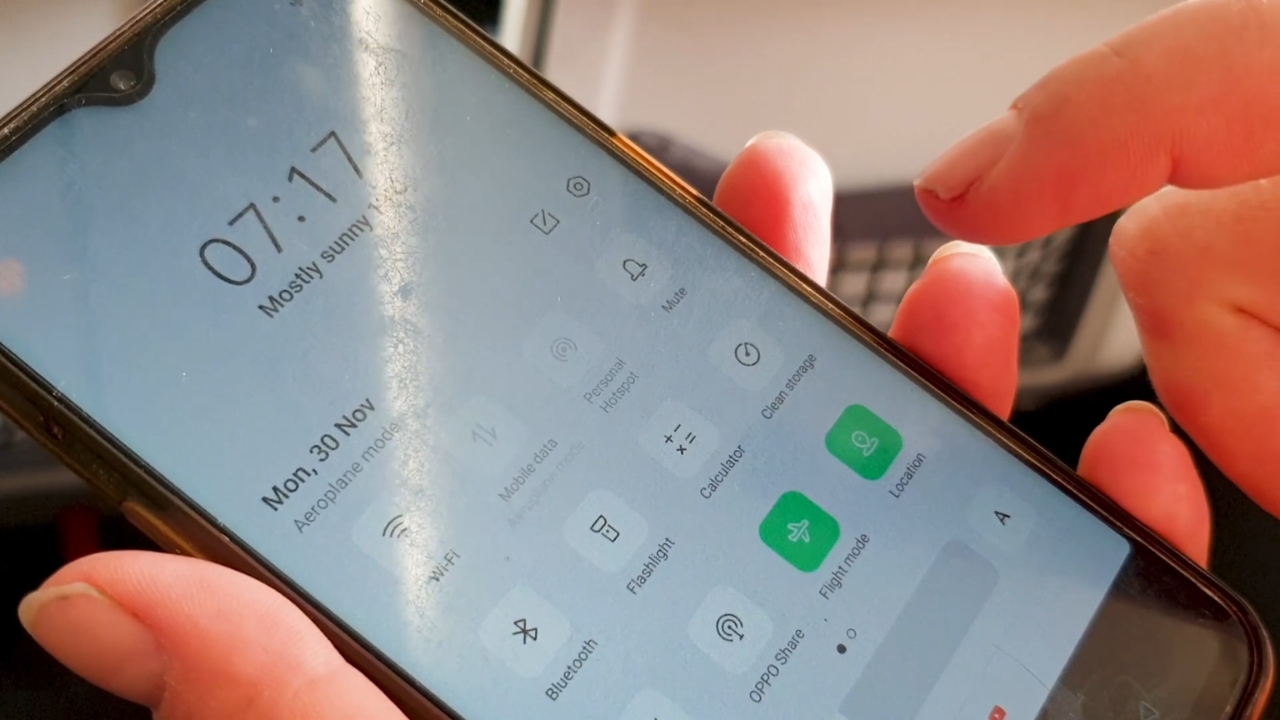
I tested this years ago for the boring reason that I was trying to make a map app stop distracting me while traveling. I turned on Airplane Mode, opened the phone again, and realized I had treated connectivity and location as if they were the same setting.
They are not. Apple manages Location Services separately, and iPhones can use GPS, Wi-Fi, Bluetooth, and cellular information to help determine location.
Android does the same kind of separation. Google’s current Android guidance gives Location its own on-off control and explains that GPS and device sensors can still determine location even when Location Accuracy is turned off.
If location privacy is what you care about, check location permissions and location sharing. Airplane Mode is the wrong control for that job.
Your apps and stored data do not freeze in place
Another reason I dislike calling Airplane Mode a privacy feature is that the rest of the phone keeps being a phone. Your photos are still there. Your email app can still show messages it already downloaded.
Notes, files, passwords, authentication apps, and locally stored conversations do not vanish because cellular service stopped.
Airplane Mode also does not rewrite app permissions. If an app has permission to use your photos, contacts, microphone, or location, flipping on the airplane icon does not revoke that permission.
It may interrupt network transmission while the relevant connection is off, but that is a temporary connectivity change, not a privacy reset.
The FTC’s privacy advice focuses on reviewing app and location settings, which is much closer to the controls I check when I actually want to reduce data sharing.
Bluetooth is the detail people miss most often
Bluetooth is where I usually see the little mental lightbulb go on. Someone will insist their phone is “offline,” then I point at the earbuds in their ears. Nothing dramatic has happened. The phone is simply using another radio.
On current iPhones, Bluetooth remains on when Airplane Mode is activated. That can support headphones, watches, and other nearby-device features.
Apple’s Find My system can use Bluetooth signals from nearby Apple devices to help locate an offline device when Find My network is enabled.
View this post on Instagram
Android has a similar concept with Find Hub, which uses Bluetooth in its crowdsourced offline-finding network.
That does not mean Airplane Mode secretly broadcasts everything about you. It means “cellular off” and “radio silent” are not interchangeable ideas.
What I change when I actually want less data sharing
If I want a phone to be less connected for privacy reasons, I do not stop at the airplane icon. I check the setting that matches the thing I am trying to prevent.
That sounds less elegant than one magic button, but it is much easier to reason about.
- Turn off Wi-Fi and Bluetooth explicitly if I do not want nearby wireless connections.
- Review Location Services or Android Location settings if location is the concern.
- Check individual app permissions for microphone, photos, contacts, camera, and location.
- Use a strong screen lock because Airplane Mode does nothing to protect an unlocked phone in someone else’s hand.
If I only want a short break from cellular service, Airplane Mode is excellent. If I want privacy, I start asking a more specific question: private from whom, and from what kind of data collection?
Airplane Mode is still useful when you use it for the right job
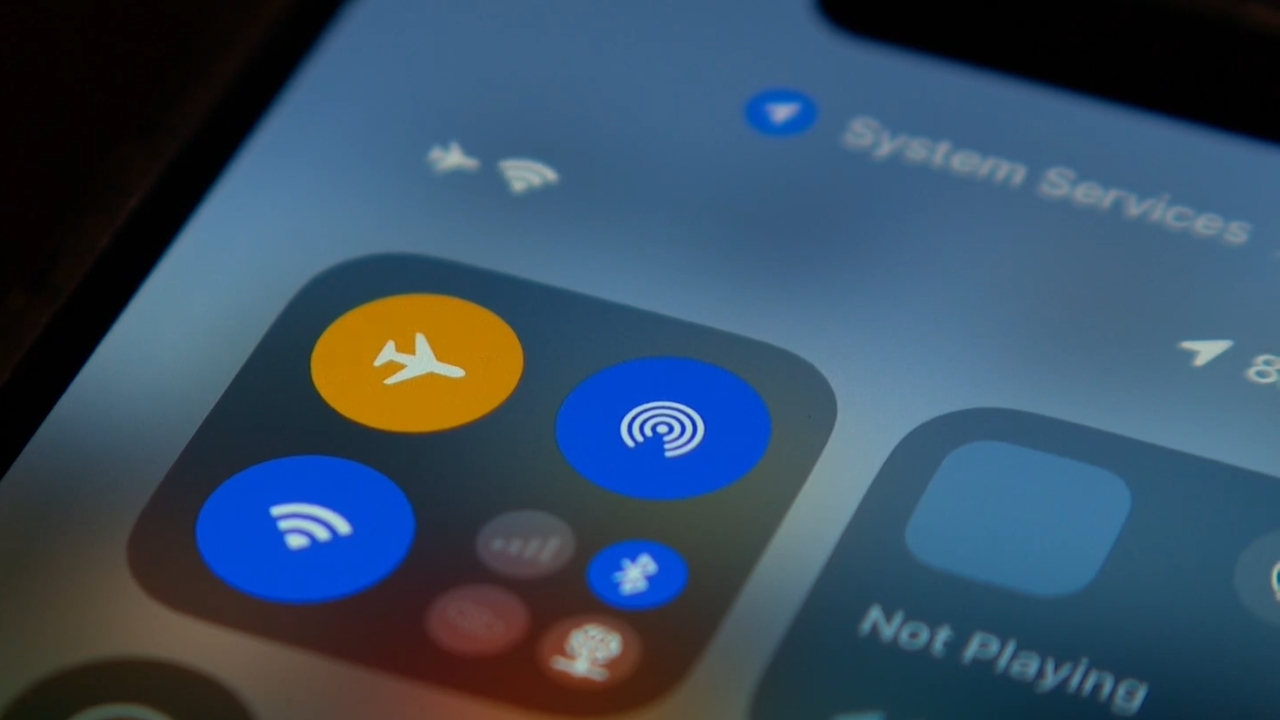
I am not trying to demote Airplane Mode to a useless relic. I use it all the time. It gives you a fast way to disable cellular service on a flight, and it can be handy when you want to stop the phone from hunting for a weak cellular signal.
It can also help with battery life and roaming control, and toggling it can force a cellular signal refresh when a phone is being stubborn. What I would not do is treat it as a security boundary.
It does not lock the device, erase identifiers, revoke permissions, disable every radio, or tell every app to forget what it already knows.
Airplane Mode manages connections, not every aspect of privacy. A similar limit applies to Samsung TV ad settings, which can reduce ad personalization without removing ads.
Frequently asked questions
1. Does Airplane Mode stop calls and text messages?
It stops normal cellular calls and SMS while cellular service is disabled. Turn Wi-Fi back on, though, and internet messaging or supported Wi-Fi Calling can work again.
2. Will my alarm still work in Airplane Mode?
Yes. A normal alarm in the phone’s Clock app runs locally and does not need cellular service or Wi-Fi. Downloaded music and other stored content can also keep working.
3. Is Airplane Mode the same as Do Not Disturb?
No. Do Not Disturb controls interruptions while the phone can remain connected. Airplane Mode changes wireless connections. One manages alerts, the other manages radios.
4. Can a VPN work while Airplane Mode is on?
Yes, if you turn Wi-Fi back on and connect to a network. A VPN needs internet access, so it cannot carry traffic while every connection is disabled.
5. Does Airplane Mode remove or deactivate an eSIM?
No. The eSIM profile stays installed. When Airplane Mode is turned off, the phone can reconnect through that eSIM unless you separately disabled the line.